If you are not getting the confirmation email while trying to sign up, or you see an error like “email link is invalid or expired” - it could be due to these reasons:
Confirmation email links are only valid for 30 minutes.
If you open this email later than that, the link may not work. In that case, try clicking “Resend email” and check your inbox again.
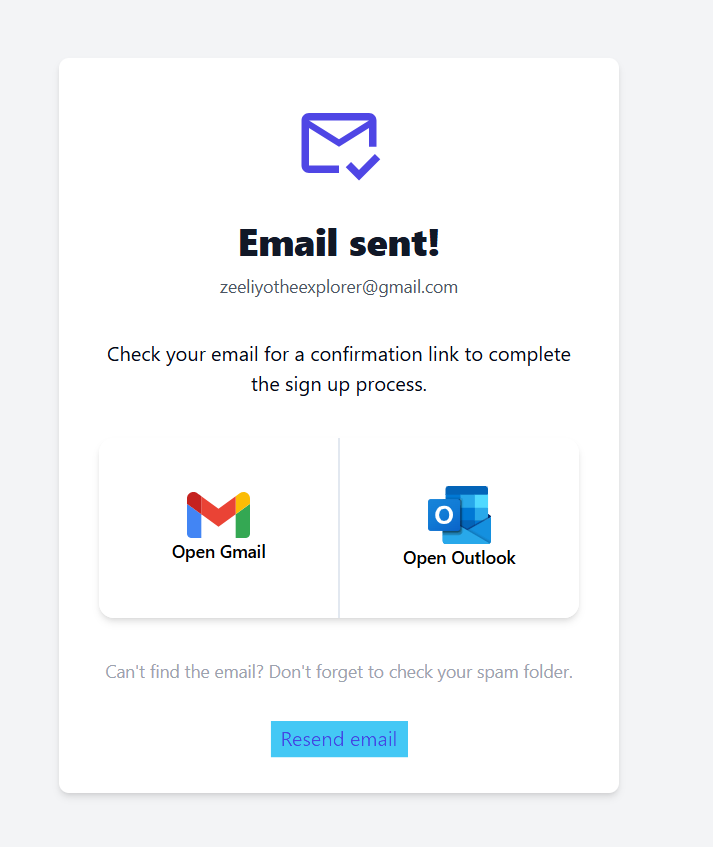

If you try to sign up with an email that’s already registered with Cleanvoice, you’ll see a message saying “confirmation email sent.”
But since that email was already confirmed, it doesn’t actually send you a new one.
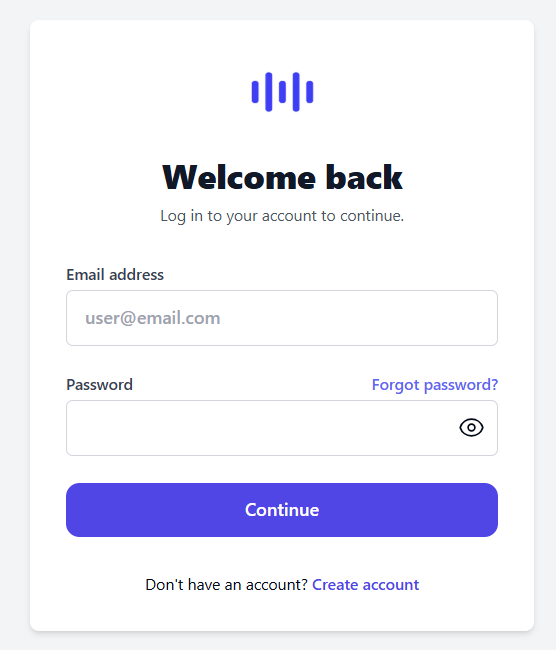
If you've used Cleanvoice before (even just once), log in directly or use “Forgot password” to reset your account.